


The Connecting Layer
Transfer Work Across Apps Instantly with Pipeline
Visual Paradigm Pipeline connects the different applications in our ecosystem, making it easy to carry your creations forward, reuse them, and continue working in another environment.
- Create. Connect. Continue.

Core Architecture
What Is Pipeline?
Each Visual Paradigm application has its own strengths and working environment. Pipeline provides a common exchange space where supported creations can be collected and retrieved by compatible applications.
You don’t need another editor to learn. Simply work in the application that suits your task, send your creation to Pipeline, and retrieve it when you’re ready for the next step.
What Pipeline makes possible
-
Collect Your Work
Bring creations from different tools into one shared space.
-
Reuse What You've Created
Build on existing work instead of starting over.
-
Continue Across Applications
Move your work into another compatible environment.
Simple by Design
One Simple Workflow
Pipeline works behind the scenes. You focus on creating; Pipeline helps connect what comes next.
Step 1
Create
Generate diagrams, develop models, or create other supported content in your preferred application.
Step 2
Send to Pipeline
Send your creation to Pipeline and keep it available for use in compatible applications.
Step 3
Retrieve & Continue
Import or insert your creation into another application and move your work forward.
Connected Workflows
Make Your Tools Work Together
Here are some practical ways Pipeline helps you move from one stage of work to the next.
IDEATION TO MODELING
Turn Initial Ideas into Detailed Models
Start with an idea. Generate a diagram with AI or write a diagram script in VPasCode. When you’re happy with the initial result, send it to Pipeline.
Later, import it into Visual Paradigm Desktop to develop a full-fledged model. Detail diagram elements, establish relationships, create sub-diagrams, generate reports, and collaborate with your team.
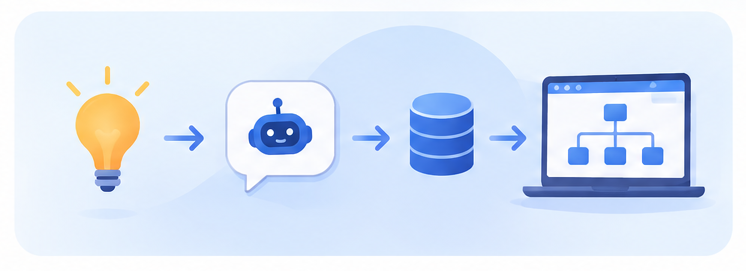
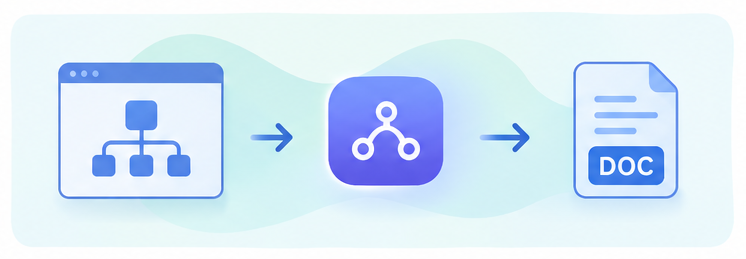
DIAGRAM TO DOCUMENTATION
Turn Your Diagrams into Technical Documentation
A diagram often tells only part of the story. You may need to explain its design decisions, describe its elements, document requirements, or provide additional context.
Send supported creations from Visual Paradigm Desktop, Online, VPasCode, or the AI Chatbot to Pipeline. Then retrieve and embed them in OpenDocs as you compose your technical documentation, specifications, and project knowledge pages.
AI GENERATION TO CODE EDITING
Collect Now. Refine When You're Ready.
AI-assisted diagramming is often an iterative process. You might generate a Use Case Diagram, explore individual use cases, and then generate several Sequence Diagrams to elaborate on different scenarios.
Instead of interrupting your conversation to edit every diagram, send the results to Pipeline as you go. When you’re ready, open VPasCode, retrieve the diagrams, and refine their code and visual output.

DIGITAL PUBLICATIONS TO DOCUMENTATION
Flipbooks and Bookshelves into Your Documents
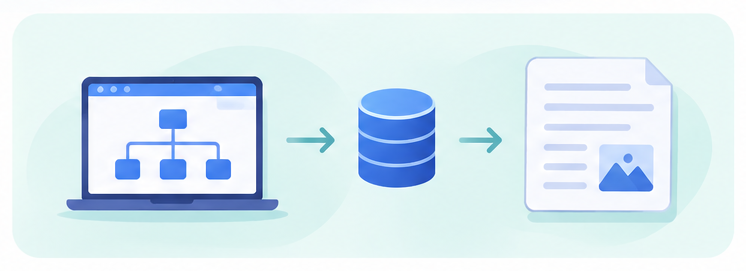
You’ve created an interactive flipbook or organized a collection of publications in a digital bookshelf. Now you want to showcase them in your documentation or knowledge portal.
Send your flipbooks or bookshelves from Visual Paradigm Online to Pipeline. In OpenDocs, retrieve and embed them directly into your document pages. Your readers can then browse your publications right where they need them.
Ecosystem Navigation
One Ecosystem. Connected Possibilities.
Every application brings its own strengths. Pipeline brings them together, helping you make more of what you create and move seamlessly from one task to the next.